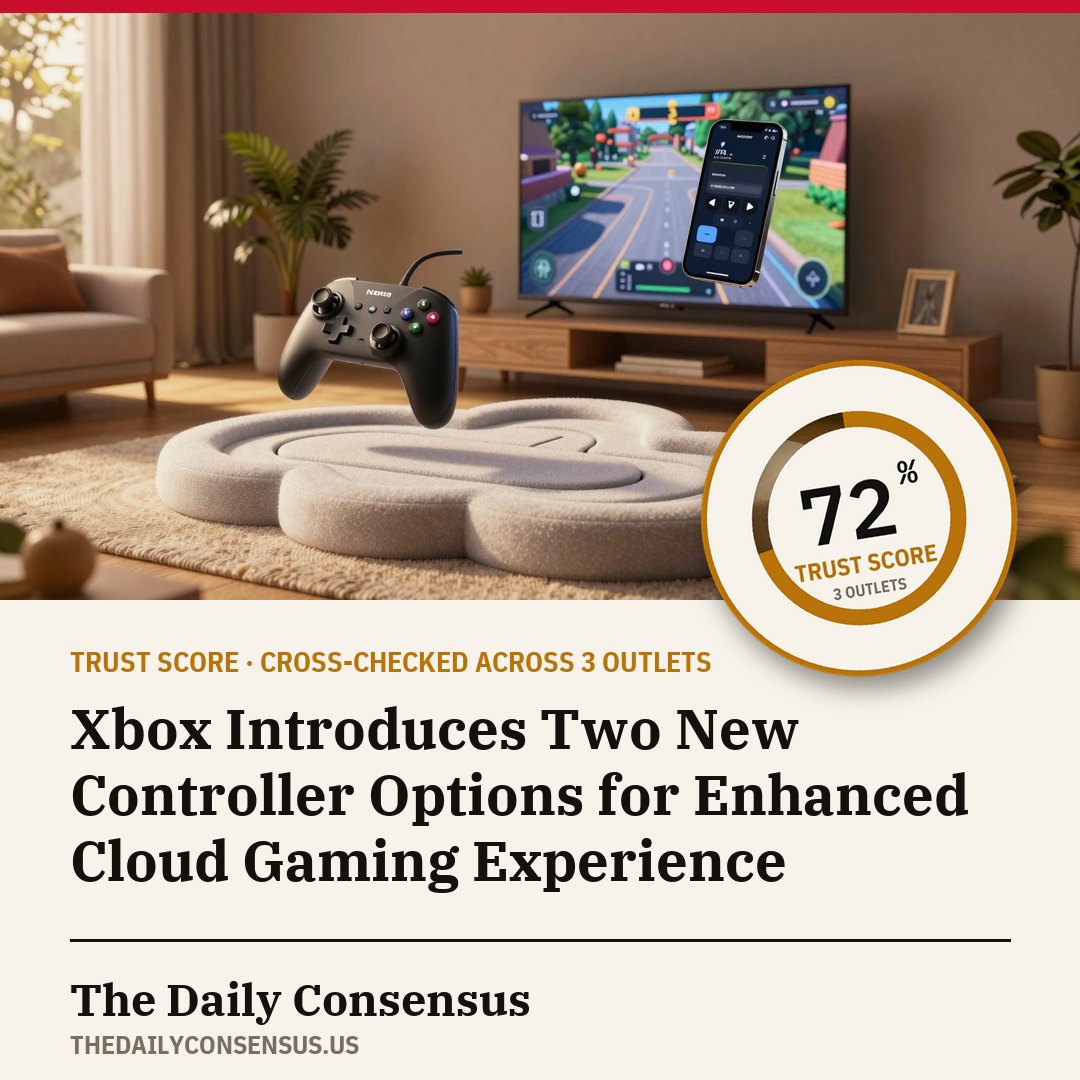
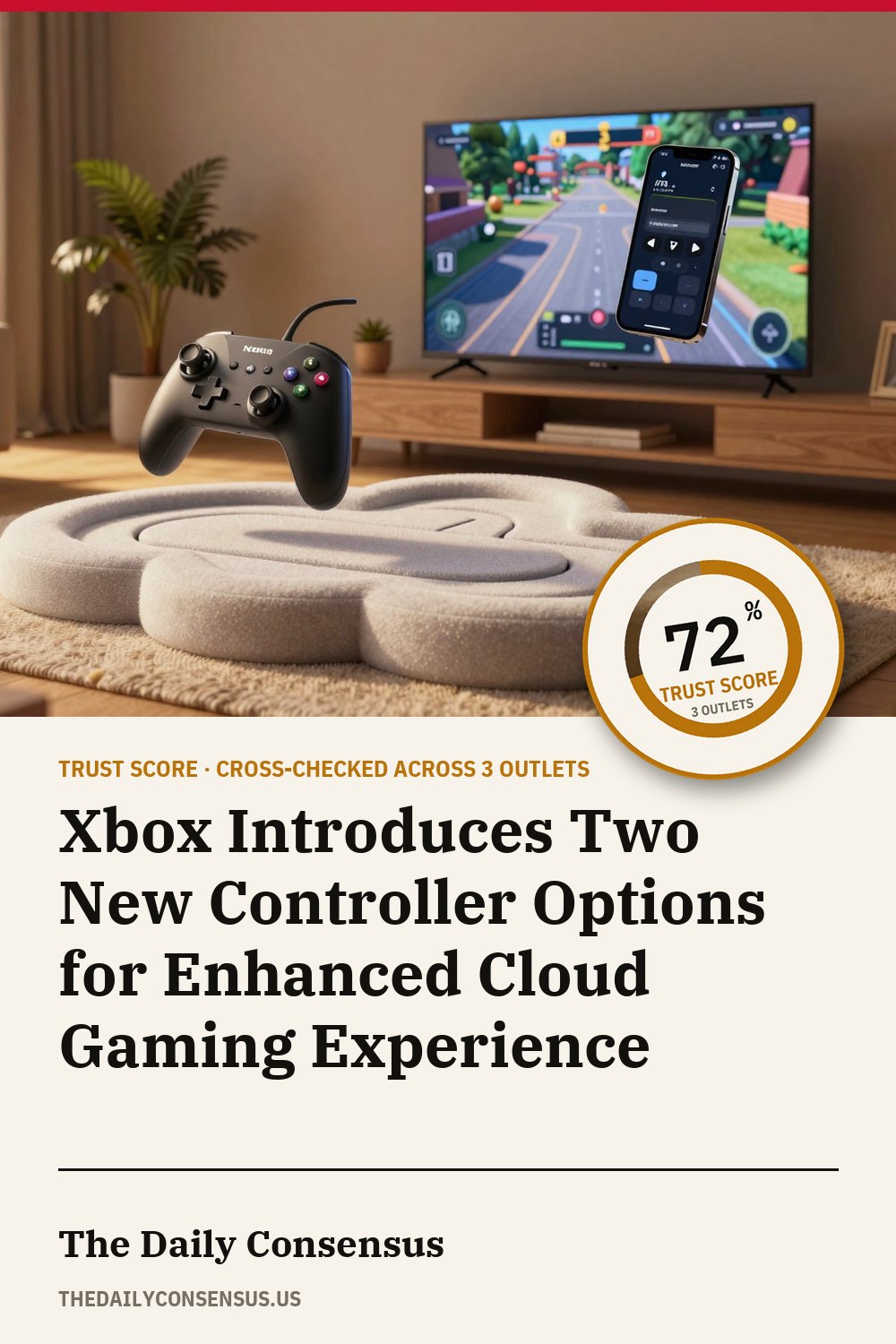
Xbox Introduces Two New Controller Options for Enhanced Cloud Gaming Experience
The company is testing a phone-as-controller feature for smart TVs and a direct Wi-Fi connection for its Nano Controller.
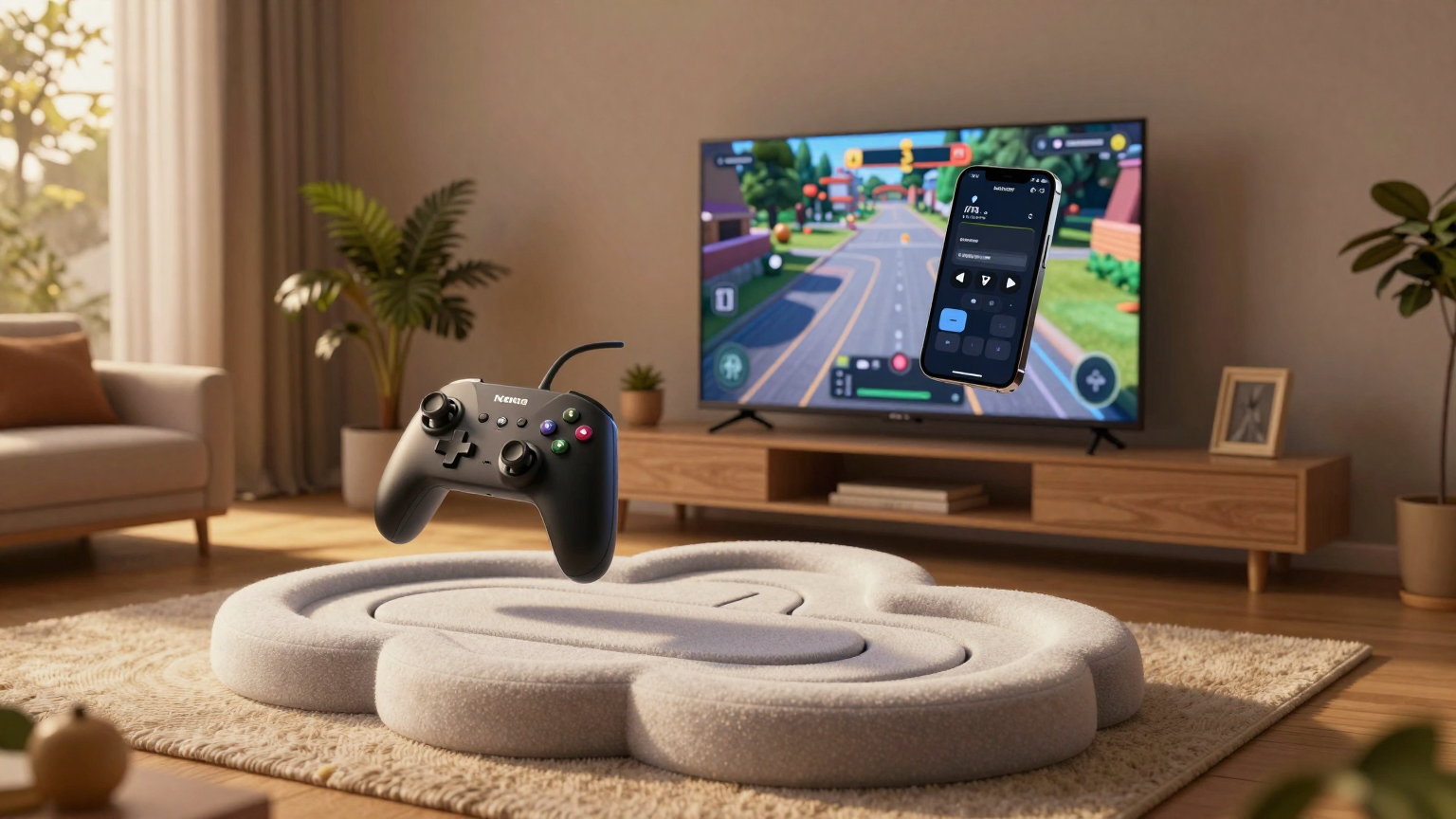
Microsoft has unveiled two innovative controller options aimed at enhancing the cloud gaming experience for Xbox users. According to reports, one of these options allows players to utilize their smartphones as controllers when streaming Xbox games on compatible smart TVs. This feature reportedly does not necessitate the installation of a dedicated application, instead functioning through a browser interface, offering a seamless way to enjoy gaming on larger screens without the need for traditional controllers.
The second option involves the Xbox Nano Controller, which now supports a direct Wi-Fi connection to Xbox Cloud Gaming. This new connection method reportedly reduces input latency, making the gameplay feel more responsive and fluid. The Nano Controller, designed for smaller hands or increased portability, was introduced by Microsoft in mid-October and comes with a price tag of $50. It includes the 'Cloud Connect' feature, which enables pairing of the controller over Wi-Fi for Xbox Cloud Gaming.
Both new features are currently in beta testing and their availability may be limited. In the United States, users can preview the cloud connect option for the Nano Controller, while outside the US, there is the opportunity to test the phone-as-controller feature on smart TVs. To set up the cloud connect feature on the Nano Controller, users need to use either the Xbox beta app for Android or the Xbox Accessories app on PC. For PC app setup, users must be enrolled in the Xbox Insider testing program.
The phone-as-controller feature can be enabled by navigating to Settings > Account in the Cloud Gaming interface on the TV. This option is available on select TVs, providing a convenient alternative for gamers who prefer to use their mobile devices as controllers. Additionally, the Nano Controller’s Wi-Fi connection is currently functional on smart TVs and the web, marking a significant step forward in wireless gaming technology.
These developments follow in the footsteps of Google’s Stadia Controller, which also featured direct cloud gaming connection via Wi-Fi. However, the Stadia platform is no longer active, leaving the stage open for Xbox to innovate and lead in this area of gaming technology.
What we know
- - The Xbox Nano controller now supports a direct Wi-Fi connection to Xbox Cloud Gaming. 12
- - Xbox is introducing a new feature that allows a phone to be used as a controller on smart TVs. 13
- - Xbox is testing two new controller options for Cloud Gaming. 3
- - One option allows users to use their phone as a controller when streaming Xbox games on a supported smart TV. 3
- - Another option is the Nano Controller, which can be connected directly to Xbox Cloud Gaming via Wi-Fi. 3
- - Using a phone as a controller on smart TVs requires toggling preview features from the Settings > Account section of Xbox Cloud Gaming. 13
- - This new Wi-Fi connection method reduces input latency, making gameplay feel more responsive. 1
- - The cloud connect option for the Xbox Nano controller is available for preview in the US starting from the date of the article. 1
- - Outside the US, users can preview a new option to use a phone as a controller on smart TVs. 1
- - Both new features are still in beta testing and availability may be limited. 1
- - To set up the cloud connect feature on the Nano controller, users need to use the Xbox beta app for Android or the Xbox Accessories app on PC. 1
- - Google's Stadia Controller featured direct cloud gaming connection via Wi-Fi. 2
- - The Stadia platform is no longer active. 2
- - Xbox Nano Controller was released for $50. 2
- - Xbox Nano Controller is designed for smaller hands or increased portability. 2
- - Microsoft announced the Nano Controller in mid-October. 2
- - Xbox Nano Controller includes 'Cloud Connect' feature. 2
- - Cloud Connect allows pairing of the controller over Wi-Fi for Xbox Cloud Gaming. 2
- - Cloud Connect is described as a preview experience and is still under development. 2
- - Future Xbox Elite Controller is expected to have similar cloud support. 2
- - Amazon Luna Controller also operates over Wi-Fi. 2
- - This phone-as-controller feature does not require downloading a dedicated app; it works through a browser interface. 3
- - Custom controller layouts exist for some games. 3
- - The phone-as-controller option is available on select TVs. 3
- - Users can enable the phone-as-controller feature by going to Settings > Account in the Cloud Gaming interface on their TV. 3
- - The Nano Controller Wi-Fi connection is available for users in the US. 3
- - To use the Nano Controller, users must set it up using the Xbox beta app on Android or the Xbox Accessories app on PC. 3
- - For PC app setup, users need to be enrolled in the Xbox Insider testing program. 3
- - Nano Controller Wi-Fi connectivity currently works only on smart TVs and the web. 3
Powered by Quantum Forge Robotics with Jessi AI Intelligence
Trust Score report
- confirmed
The Xbox Nano controller now supports a direct Wi-Fi connection to Xbox Cloud Gaming.
85% · supported by 2 - likely
Xbox is introducing a new feature that allows a phone to be used as a controller on smart TVs.
85% · supported by 2 - likely
Xbox is testing two new controller options for Cloud Gaming.
70% · supported by 1 - likely
One option allows users to use their phone as a controller when streaming Xbox games on a supported smart TV.
70% · supported by 1 - likely
Another option is the Nano Controller, which can be connected directly to Xbox Cloud Gaming via Wi-Fi.
70% · supported by 1 - likely
Using a phone as a controller on smart TVs requires toggling preview features from the Settings > Account section of Xbox Cloud Gaming.
85% · supported by 2 - likely
This new Wi-Fi connection method reduces input latency, making gameplay feel more responsive.
71% · supported by 1 - likely
The cloud connect option for the Xbox Nano controller is available for preview in the US starting from the date of the article.
71% · supported by 1 - likely
Outside the US, users can preview a new option to use a phone as a controller on smart TVs.
71% · supported by 1 - likely
Both new features are still in beta testing and availability may be limited.
71% · supported by 1 - likely
To set up the cloud connect feature on the Nano controller, users need to use the Xbox beta app for Android or the Xbox Accessories app on PC.
71% · supported by 1 - likely
Google's Stadia Controller featured direct cloud gaming connection via Wi-Fi.
71% · supported by 1 - likely
The Stadia platform is no longer active.
71% · supported by 1 - likely
Xbox Nano Controller was released for $50.
71% · supported by 1 - likely
Xbox Nano Controller is designed for smaller hands or increased portability.
71% · supported by 1 - likely
Microsoft announced the Nano Controller in mid-October.
71% · supported by 1 - likely
Xbox Nano Controller includes 'Cloud Connect' feature.
71% · supported by 1 - likely
Cloud Connect allows pairing of the controller over Wi-Fi for Xbox Cloud Gaming.
71% · supported by 1 - likely
Cloud Connect is described as a preview experience and is still under development.
71% · supported by 1 - likely
Future Xbox Elite Controller is expected to have similar cloud support.
71% · supported by 1 - likely
Amazon Luna Controller also operates over Wi-Fi.
71% · supported by 1 - likely
This phone-as-controller feature does not require downloading a dedicated app; it works through a browser interface.
70% · supported by 1 - likely
Custom controller layouts exist for some games.
70% · supported by 1 - likely
The phone-as-controller option is available on select TVs.
70% · supported by 1 - likely
Users can enable the phone-as-controller feature by going to Settings > Account in the Cloud Gaming interface on their TV.
70% · supported by 1 - likely
The Nano Controller Wi-Fi connection is available for users in the US.
70% · supported by 1 - likely
To use the Nano Controller, users must set it up using the Xbox beta app on Android or the Xbox Accessories app on PC.
70% · supported by 1 - likely
For PC app setup, users need to be enrolled in the Xbox Insider testing program.
70% · supported by 1 - likely
Nano Controller Wi-Fi connectivity currently works only on smart TVs and the web.
70% · supported by 1